

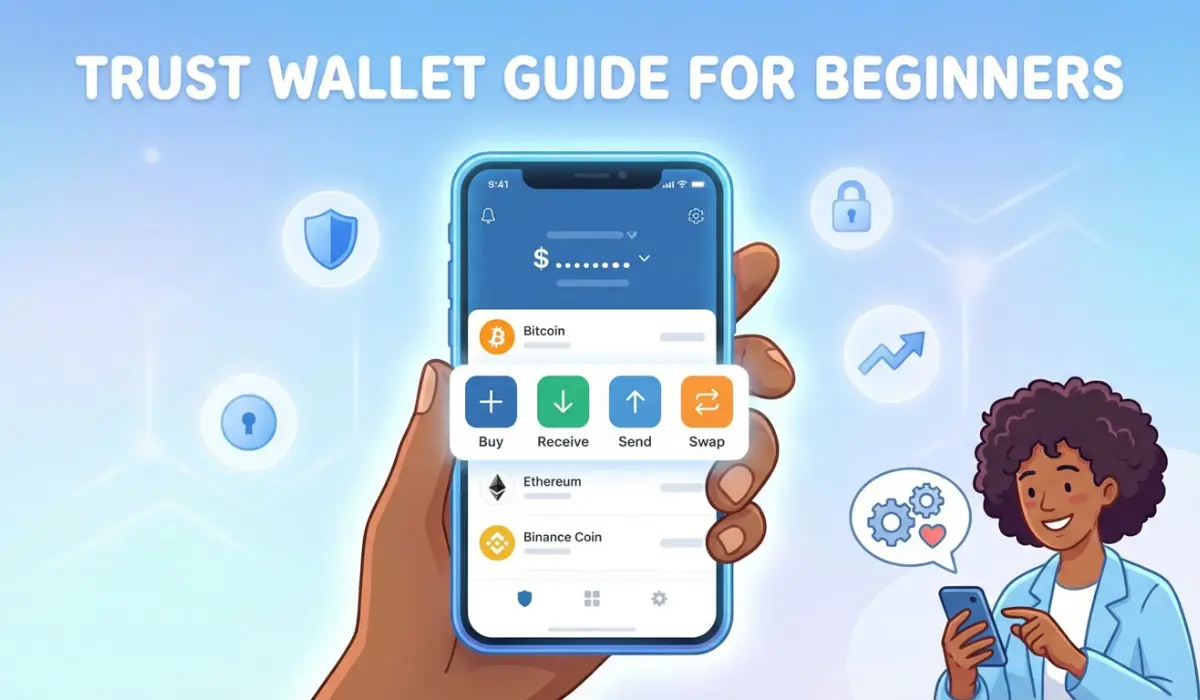
If you’re a crypto enthusiast or someone closely involved in the sector, you’ve likely come across the concept of non-custodial mobile cryptocurrency wallets. But what exactly are they, and which options stand out as the best? For beginners, these questions often spark curiosity, confusion, and can feel overwhelming at first. A non-custodial mobile cryptocurrency wallet is a mobile application that allows you to hold and manage your cryptocurrency holdings without a company doing it on your behalf. Put simply, a non-custodial mobile cryptocurrency wallet embodies the principle: ‘Your crypto, your keys, your responsibility.’ While discussing this concept, we cannot omit one name: Trust Wallet, a non-custodial mobile cryptocurrency wallet that has access to over 100 million digital assets across 100+ blockchains.
What is Trust Wallet & How To Use It In 2026?
Trust Wallet is one of the prominent, secure non-custodial mobile cryptocurrency wallets that allows users to fully own, manage, and exchange their cryptocurrency holdings of over 10 million digital assets across 100+ blockchains. Trust Wallet is a Binance-acquired service provider, so it provides decentralized access to staking, Non-Fungible Tokens (NFTs), and decentralized applications (dApps).
As of early 2026, Trust Wallet introduced new features, including AI-powered portfolio management, “FlexGas,” a system that allows users to pay gas fees with the token being sent, and enhanced security scanning tools to guard against fraudulent sites. With its advanced features and security measures, Trust Wallet has become one of the most comprehensive crypto wallets available today.
How to Use Trust Wallet in 2026
Trust Wallet is available on both Android and iOS, with users able to download the official app from the Google Play Store or Apple App Store. A browser extension is also offered for those who prefer desktop use. Once you have downloaded the official app, set up the app by creating a new wallet or importing via 12/24-word recovery phrase, and after that, set a 6-digit PIN or enable biometric authentication to access. Once you access your assets through Trust Wallet, never share your secret phrase. It should be stored securely offline, and you should avoid taking screenshots.
To receive crypto through Trust wallet, tap the asset you want to receive, click “Receive”, and copy the address or use the correct QR code to transfer funds from cryptocurrency exchanges like Binance. You can swap your crypto assets by clicking the “Swap” feature to trade tokens directly within the app.
Key Features of Trust Wallet
Here are some of the key features of Trust Wallet that distinguish it from conventional cryptocurrency wallets.
- Extreme multi-chain support
- Integrated “Earn” ecosystem
- Advanced trading
- Swap tokens directly inside the wallet
- FlexGas
- Biometric lockdown
- Trust “SWIFT” (Smart Contract Wallet)
- Compatible with iOS, Android, and browser extensions
- Built-in DEX swaps, staking, NFTs, and dApp browser
- No KYC is required
These advanced features make Trust Wallet one of the most celebrated and widely used non-custodial mobile cryptocurrency wallets in the market. Trust Wallet becomes important in 2026 due to its advanced features and improved customer protection. It offers true digital sovereignty by eliminating all middlemen, traveling on a different path than a bank or centralized exchange (CEX). Trust wallet does not require KYC, which means that users’ personal data will stay off-chain.
The Bottom Line
The importance of non-custodial mobile cryptocurrency wallets has grown significantly, as many traders and crypto enthusiasts now prefer smartphones to manage their digital assets. As demand for non-custodial mobile wallets grows, the need for advanced services and applications rises as well, and that’s where Trust Wallet comes in. It is compatible with 10M+ assets across 100+ blockchains, also allowing users to store, swap, stake, and manage digital assets and NFTs, while enabling access to Web3 dApps.
Trust Wallet and other non-custodial wallets require users to take full responsibility for safeguarding their private keys and recovery phrases. Always store sensitive information securely offline and never share it with anyone. The author and publisher are not liable for any losses or damages arising from the use of the information provided in this article.


